


Virtual events are finding innovative ways to spark real creativity. Today’s virtual AI meetups blend technology with meaningful conversation to produce engaging experiences. Picture interactive icebreakers that immediately connect attendees or fun quizzes that transform routine sessions into dynamic challenges. With interactive demos, purposeful networking, and live feedback, these meetups promise to redefine the online experience. In this post, we explore creative ideas that bring communities together and open new paths for collaborative learning.
virtual ai meetup ideas fuel creative excitement
-
Use AI-powered icebreakers that analyze attendee profiles to create personalized conversation starters. This sets a relaxed tone that immediately invites open dialogue.
-
Introduce gamified quizzes as interactive mini-games linked to the meeting topic. These turn routine content reviews into engaging challenges that encourage participation and keep the atmosphere fun.
-
Showcase virtual reality demos to offer immersive experiences. These demos let participants explore AI applications in simulated environments, transforming standard presentations into lively tech showcases.
-
Implement personalized content streams that adapt in real time based on attendee interests and past engagements. This ensures every part of the discussion stays relevant and sparks sustained curiosity.
-
Use real-time polling and sentiment analysis with quick surveys and live feedback dashboards. This approach helps facilitators instantly adjust the session’s pace and focus according to audience reactions.
-
Deploy AI-powered breakout matchmaking to place participants in groups based on expertise and interests. This targeted networking fosters meaningful discussions in smaller, focused clusters.
-
Generate automated post-meeting summaries that highlight key points and add a touch of humor. This gives attendees engaging takeaways and reinforces the main ideas from the session.
-
Assign dynamic roles by utilizing AI performance metrics to delegate duties such as moderator, timekeeper, or note-taker. This encourages balanced participation and supports team skill development during the meetup.
-
Conduct on-the-fly micro-surveys to capture immediate feedback as the session unfolds. These quick polls provide facilitators with prompt insights to refine engagement strategies.
-
Leverage continuous improvement analytics to review attendance patterns and engagement rates. This data guides future session planning, ensuring enhanced efficiency and a creative spark at every virtual meetup.
Selecting the Right Platform for Virtual AI Meetups
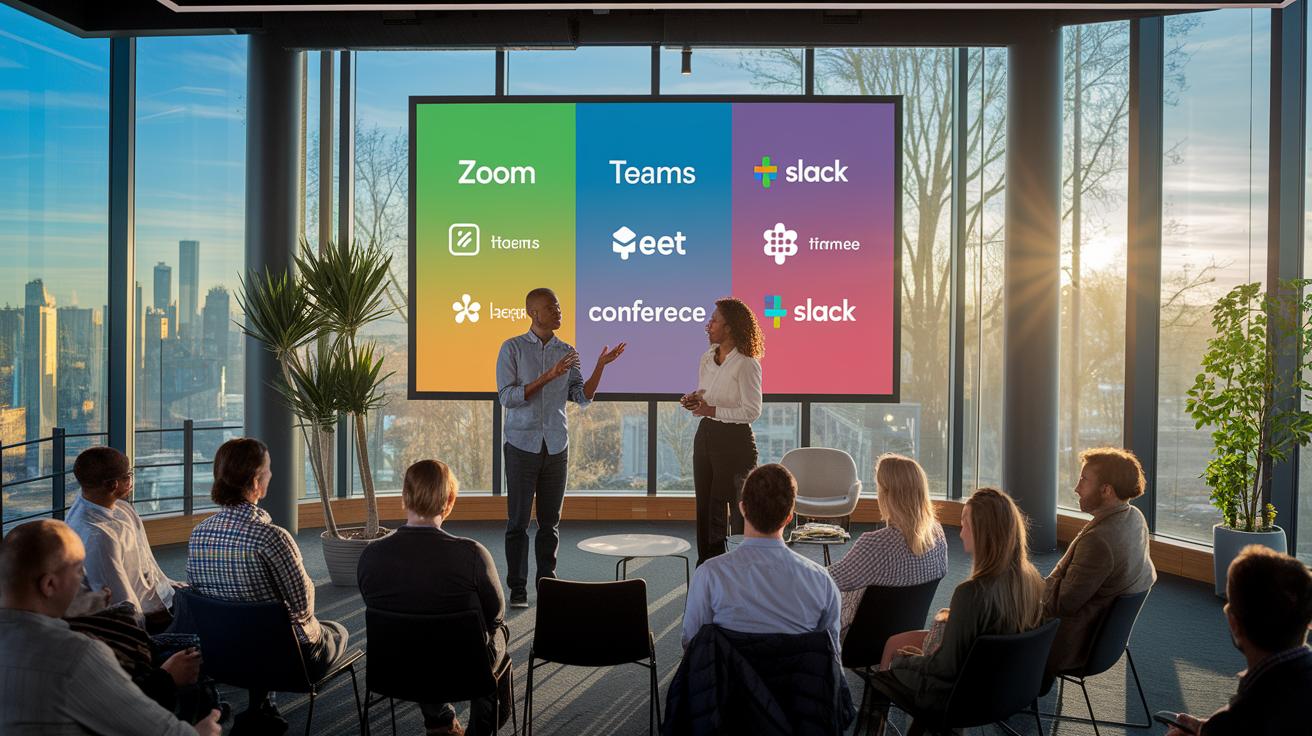
When planning a virtual AI meetup, the platform you choose sets the stage for success. Start by evaluating options like Zoom, Microsoft Teams, Google Meet, or Slack Huddles. Check that the platform supports essential features, breakout rooms, polls, Q&A, live chat, and whiteboards, to keep your discussions interactive and engaging.
Make sure to verify capacity limits and network reliability before the event. This helps prevent participant drop-outs, especially during peak times or when hosting an international audience. Look into whether the platform integrates with AI moderation bots or real-time analytics tools; these can offer immediate feedback and help you adapt the session on the fly.
Schedule your events during standard business hours to reduce fatigue and boost attendance. It’s also a good idea to assign technical support during the meetup to manage setup, guide participants, and resolve any issues quickly.
For building a long-term AI community, consider platforms that facilitate continuous interaction. This proactive approach ensures a smooth, engaging virtual experience that grows with your audience.
Crafting Effective Virtual AI Meetup Agendas
When planning a virtual AI meetup, a clear agenda is key to keeping everyone engaged and on track. Start by mixing short, interactive segments that balance presentations, live demos, and small group discussions. For example, kick off with a 5-minute AI icebreaker to set the tone, then follow it with a 20-minute keynote that explains the primary theme.
Next, engage your audience with a 15-minute live demo featuring real-time examples. Allow a 10-minute break afterward to give everyone a moment to recharge. Once the break is over, dedicate 30 minutes to breakout groups where participants can dive into focused conversations. Finally, wrap up the session with a 10-minute Q&A to clarify any points and share collective insights.
This schedule, lasting between 60 and 90 minutes, helps maintain energy and encourages thorough exploration of the topic. To ensure a smooth session, assign roles such as moderator, timekeeper, and chat monitor ahead of time. You might also add a short AI-powered poll or quiz every 15 minutes to refresh attention and capture instant feedback.
Scheduling the event during standard work hours can prevent fatigue, especially for teams that already work long days. Clearly outline role responsibilities and transitions in your agenda to support a structured yet flexible meeting that keeps everyone involved and focused.
Innovative AI Workshop Ideas for Virtual Meetups

These workshop ideas are crafted to create an engaging, hands-on learning experience during virtual AI meetups. Each session is brief yet focused, allowing participants to build technical skills while having fun. The formats mix creative exercises with practical demonstrations, offering a balanced approach to rapid learning and problem solving.
-
Breakout Game: Word Association and Object Memory – 5 to 10 minutes
Objective: Spark quick-thinking and team collaboration with fast-paced challenges that connect the group. -
Icebreaker: Two Truths and a Lie using AI grouping – 5 to 7 minutes
Objective: Use AI insights to form balanced groups that promote trust and build early rapport among team members. -
Hackathon Sprint: Coding Challenges – 15 minutes
Objective: Drive rapid prototype development on small AI tasks, pushing participants to solve real-world problems under time constraints. -
Live Demo: AI Model Walkthrough – 15 minutes
Objective: Offer an interactive session where live parameter tuning and a Q&A session deepen technical understanding. -
Design-Thinking Sprint: Brainstorming AI Solutions – 20 minutes
Objective: Encourage creative ideation that leads to innovative strategies for tackling AI challenges, fostering critical thinking within the team. -
AI Agent Demo: Bot-driven Q&A on Sample Data Sets – 10 minutes
Objective: Present practical AI applications through a dynamic demonstration that delivers immediate, actionable insights.
Each format is designed to drive discussion and skill development, transforming your virtual meetup into a vibrant hub of learning and creativity.
Using AI Tools to Enhance Virtual Meetup Engagement
AI tools merge multiple interactive features into a single, streamlined workflow. This approach lets you access real-time feedback, automated meeting recaps, role recommendations, and organized follow-ups all in one place.
Key benefits include:
- Real-time sentiment analysis that displays live trend graphs. For example, a dashboard might show a noticeable spike in positive sentiment, indicating a 30% boost in audience enthusiasm during an interactive demo.
- AI-created summaries that quickly capture essential discussion points and action items, ensuring every participant receives a clear recap.
- Intelligent role suggestions that use participation data to advise when to introduce a new speaker or adjust current roles as engagement shifts.
- Automated post-event communications, such as reminder emails and resource links, to help sustain conversation and follow-up discussions.
- Continuous insights from tracking attendance and engagement drop-offs, which help organizers fine-tune future virtual meetups.
Together, these features encourage a data-driven, iterative approach that elevates the overall virtual meetup experience.
Community Building Strategies for Virtual AI Meetups

Building a thriving AI community means turning one-off events into ongoing, lively conversations. Set up dedicated channels on platforms like Slack or Discord where members can share resources, sample code, and tips even between meetups.
Plan casual virtual coffee breaks or ask-me-anything sessions with AI experts to create personal connections. Rotating hosts and moderators injects fresh perspectives and keeps the conversation dynamic. For more ideas on rotating hosts, refer to the guidelines on moderating an AI community.
Form small peer learning groups or mentorship circles that offer tailored support and encourage skill sharing. Sharing curated reading lists, tutorials, and sample code enriches these interactions. You might also schedule quarterly show-and-tell events so members have a chance to present their AI projects.
By continually applying these practices, organizers can build a trusted network that sparks innovation, promotes efficient collaboration, and nurtures lasting relationships among AI enthusiasts.
Final Words
In the action, the article laid out practical steps for engaging virtual AI meetups. It covers everything from AI-driven icebreakers and interactive session planning to choosing stable platforms and fostering community. The guide explores innovative workshop formats, dynamic role assignments, and tools that optimize real-time feedback. Each section provides clear, reproducible methods to build a vibrant event space. With these virtual ai meetup ideas, you gain actionable insights to drive interactive sessions and create memorable digital gatherings. Enjoy putting these strategies into practice and watch your events flourish.
FAQ
What are some free virtual AI meetup ideas from Reddit?
The free virtual AI meetup ideas gathered from Reddit involve interactive icebreakers, role-based networking, short demos, and AI-powered quizzes that stimulate engagement and spark meaningful discussions among participants.
What are some 15-minute games for virtual meetings?
The 15-minute games for virtual meetings include quick team quizzes, role-based mini-games, and interactive challenges that break the ice, reenergize participants, and encourage collaboration in a brief, engaging format.
What are some effective and fun virtual team building activities?
The effective and fun virtual team building activities feature online scavenger hunts, interactive polls, casual coffee breaks, and structured breakout sessions that boost connection and foster collaboration among remote teams.
What are some fun things I can do with AI?
The fun things to do with AI include experimenting with creative chatbots, testing AI-generated art, and running interactive demos that display real-time data analysis, offering both entertainment and learning experiences.
What are the big 5 AI ideas?
The big 5 AI ideas encompass personalized session content, real-time sentiment analysis, automated summaries, dynamic role assignment, and matchmaking—all designed to boost engagement and streamline virtual meetup experiences.
What are some cool generative AI tricks?
The cool generative AI tricks include using AI for content generation, producing immersive virtual scenes, creating custom quizzes, automating meeting summaries, and offering on-the-fly insights that enliven interactive sessions.
What are some easy AI project ideas?
The easy AI project ideas involve small-scale proof-of-concept projects like building chatbots, simple recommendation systems, or image classification models, enabling beginners to explore basic AI concepts in a manageable scope.